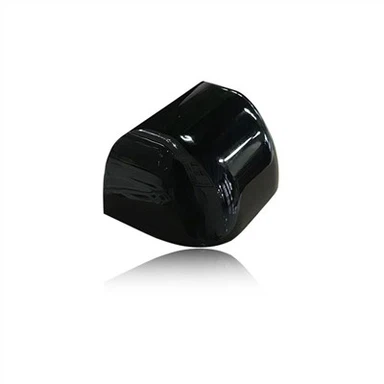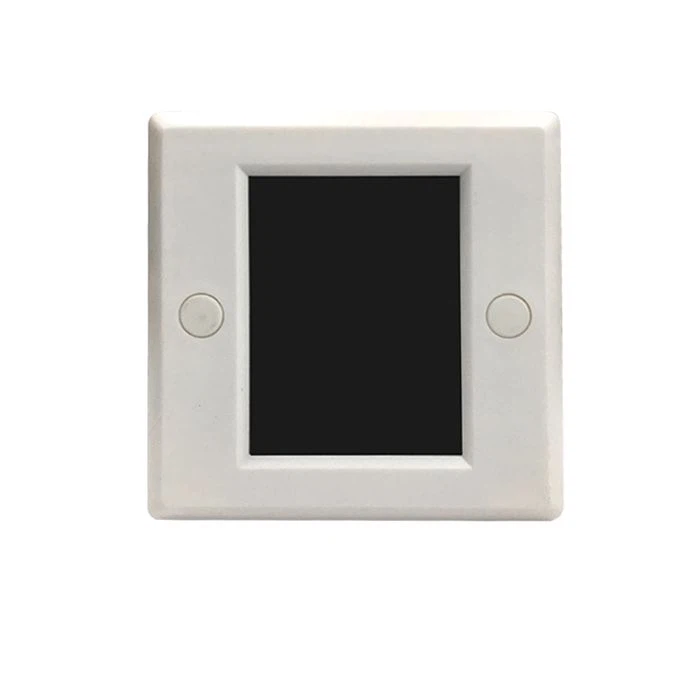
4 Loads Touch Screen Wall Switch with IR Remote Controller
As for the automatic door, the operating mode setting needs to be controlled by a switch. M-246 LCD touch auto gate function selector, switch settings with the button, it is convenient to control the automatic door with the five functions of automatic, unidirectional, half-open, locked and normally open.
Product Introduction
The vitality of our company's market competition lies in the innovation of our Radar Motion Sensor for Commercial Sliding Gate, photoelectric foot switch, 2 4G wireless press button. We are willing to cooperate with our counterparts and customers to make progress hand in hand and create brilliance together. We actively carry out systematic training to improve the professional ability of employees, and organize cultural activities to improve company cohesion.
Function Selector

As for the automatic door, the operating mode setting needs to be controlled by a switch. M-246 LCD touch auto gate function selector, switch settings with the button, it is convenient to control the automatic door with the five functions of automatic, unidirectional, half-open, locked and normally open.
Features
1, Specially equipped with automatic door, Switching setting by the keys, convenient to control the automatic door of Automatic, Unidirectional, Half open, Full lock, Full open five functions.
2, TFT 2.8 inch LCD display, touch operation, function switching is intuitive and simple.
3, It can be switched password mode or no password mode.
4, Universal 86 model switch panel design, convenient to install in various occasions.
5, Delicate and pretty appearance, and it is helpful to enhance the overall quality of the automatic door machine.

Function setting
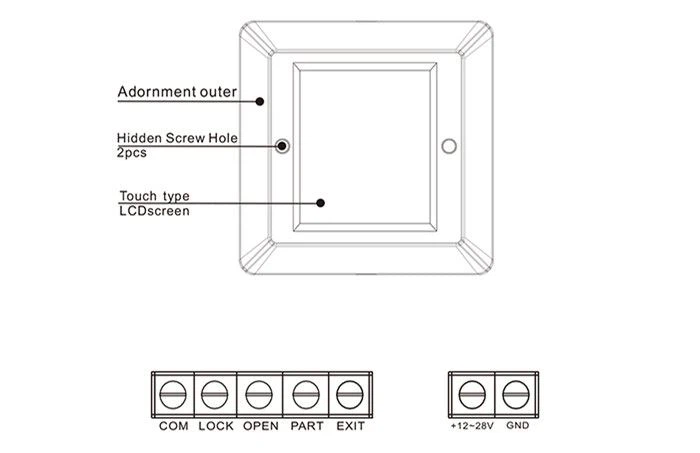
1, Device power-on display Loading... 3 seconds countdown.
2, After startup, entering the standby mode, display the company logo, and will enter the screen saver page if no operation.
3, In the standby page, casually touch screen can show the current function mode. If chosen the password operation, then open the password input window; If chosen the no password operation, will enter function switching page.
4, Push the correct password to enter the mode selection page. (If the password is incorrect, press "*" key to remove one bit forward.)
5, Enter the function selection page of each mode after selection the mode. (NOTE: When entering the menu next time after selecting the mode, can enter the function switching page directly. If need to switch the mode, it must be power-on again.)
6, In the function switching page, touch click the function you want to switching, in the next page, If confirm to select this mode, please press "OK", return the last page, please press "CANCEL". The controller will issue the resistance value corresponding to the function. At the same time, the screen will display the confirmed function. After 2 seconds, it will return to the standby page.
7, Resistance value level: AUTO: ∞ OPEN:2.2kΩ EXIT:1kΩ PART: 3.6kΩ LOCK: 470Ω
Technical parameters
Power input: | DC 12-30V |
Function switching: | 5 ranges |
Static current: | 53mA (12V power) |
Touch LCD screen: | 15x45mm / 2.8 inch |
Dimension: | 86x86mm (Panel) |
We develop and use new materials in our 4 Loads Touch Screen Wall Switch with IR Remote Controller to minimize the negative impact of our operations on the environment and to protect the ecological environment. Over the years, the society has witnessed the birth, development and glory of our company. We believe that only the best quality products are the source of enterprise survival. We treat every step of the production, sales and after-sales process with a sincere heart.
Hot Tags: LCD touch auto gate function selector, China, suppliers, manufacturers, factory, customized, wholesale, price, quotation, in stock, free sample, 2 in 1 integrated sensor, Infrared Combined Sensor, anti fire door sensor, handicapped toilet switch, bluetooth connection gate controller, automatic gate function controller
[[ProKeywords]]